Ok so this is the Tutorial of the Day!
Things Needed:
-Probably a vehicle
-TXd Workshop
-ZModeler(Zanoza Modeler)
(RECOMENDED)Create a folder and put the DFF and TXD in it(On tuto I create folder RX7)
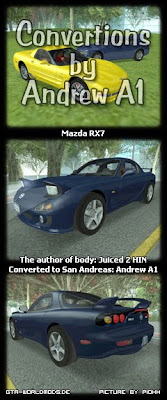
So I will work with a converted Stock Mazda RX7 FD3S from J2HIN,converted by Andrew_A1
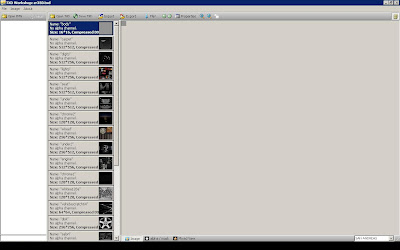
1.Open TXD Workshop(For Vista users run as administrator),then open the car/bike.txd
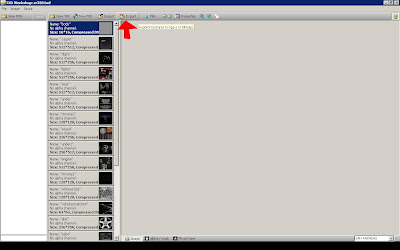
2.Go to Export,click and do Export all textures as bmp
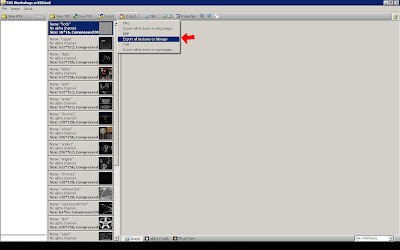
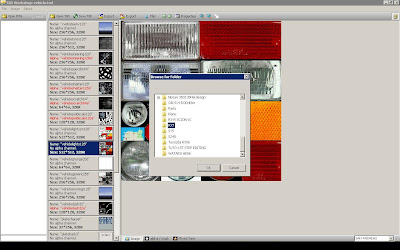
3.Choose the created folder(RX7) and click OK
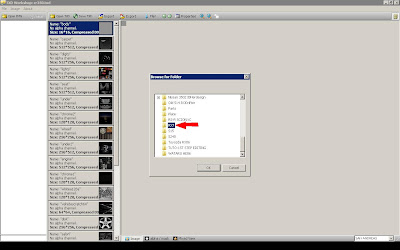
4.Open vehicle.txd situated in GTA San Andreas\models\generic
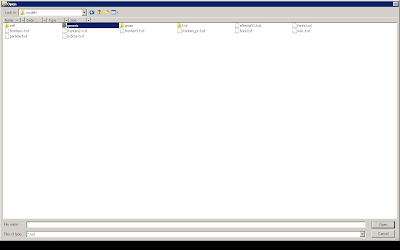
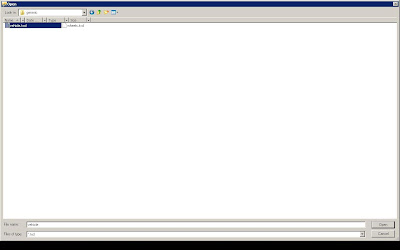
5.Go to Export,click and do Export all textures as bmp
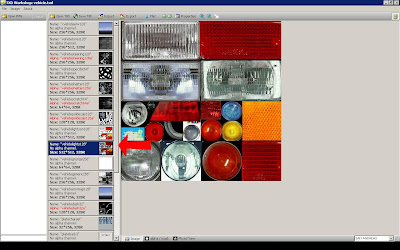
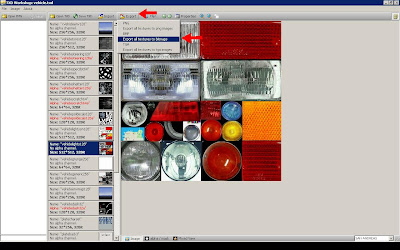
6.Choose the created folder(RX7) and click OK and then close TXD Workshop
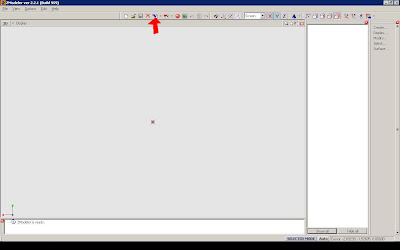
7.Open Zmodeler and click on import
8.Go to the created Folder(RX7 Here),and click !1 TIME! NO DOUBLE CLICK on the DFF
9.Go to the Bottom and click on preferable Textures and choose BMP then click import
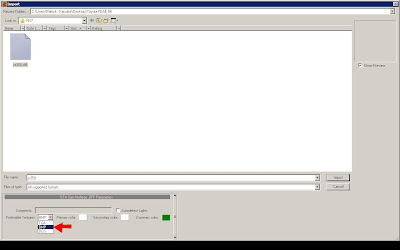
10.If no error Message appears,you succesfully imported a car!
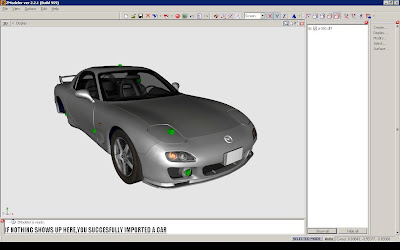
AND VOILA,tomorow another Tutorial!
Frequently Asked Questions:
1.
Q:I click to import the car but nothing appears,why?
A:Look if you have :
-A Registered Version of Zmodeler
-If the DFF isn't locked
-If it's a valid DFF
2.
Q:When I open Zmodeler,it says Side-by-side configuation is wrong,why?
A:That's happens because you don't have the needed C++ Redistruable Runtime Package,download at Windows Web Site.
3.
Q:When i open an Application that's needs an Confirmation,my Zmodeler says Device Lost,why?
A:That's a Bug with Zmodeler,I don't know any Answers.
For more Questions ask me,BUT NO STUPPID QUESTIONS!